The structure, evidence and booking flow patients need when choosing a clinic.
A patient choosing a clinic is making a decision about trust before they make one about treatment. The website is usually where that decision starts, and its structure either supports the process or flattens it into a price list.
Establish the right kind of trust
Trust on a clinic website comes from specifics. Qualifications, years in practice, professional registration, the clinical context a practitioner works in and the treatments they perform most often all carry weight. Broad claims about care and excellence carry none, because every competitor makes them.
Put that evidence where the patient is already looking. Credentials buried on an about page do less work than the same credentials shown alongside the treatment a patient is reading about.
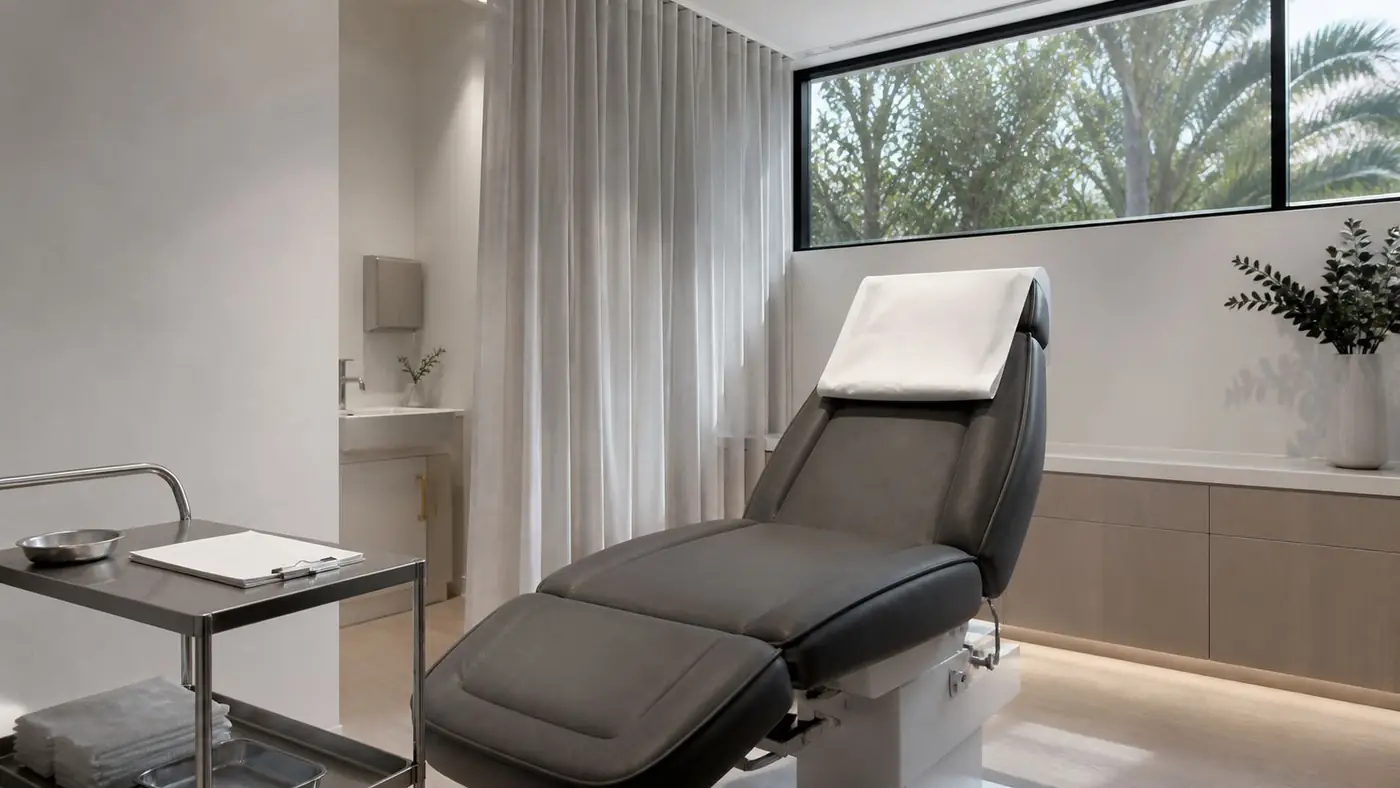
Photography matters here more than most businesses expect. A patient is trying to picture the room they will sit in and the person they will sit with, and generic stock imagery actively works against that.
Help the visitor recognise their concern
Patients search for problems rather than procedures. Someone will look for help with pigmentation long before they know which treatment addresses it, so a site organised only around clinical service names asks them to already have the answer.
The practical fix is a second route through the same content. Keep the treatment pages, and add concern-led entry points that lead to them. A patient arriving through either route ends up at the same clinically accurate information.
This also serves search directly, because concern-led language is what people type. The overlap between how patients describe a problem and how a clinic names a service is smaller than most clinics assume.
Explain what a consultation actually involves
The step a clinic wants is almost always a consultation, yet the consultation itself is often the least described thing on the site. A patient hesitates because they do not know how long it takes, who they will see, what it costs, or whether they are committing to anything.
Answer those four questions plainly on the page where the booking action sits. Uncertainty about the next step is one of the most common reasons a genuinely interested visitor leaves without acting.
Make the booking path work on a phone
Most clinic bookings start on a phone, and most clinic booking systems are a separate platform. That hand-off is where journeys break, particularly when the selected service or practitioner is lost in the transition.
Walk the path yourself on a phone, from a treatment page into the booking tool and back. Check that the right service carries across, that the return route to the clinic site is obvious, and that confirmation details are easy to find afterwards.
Give the clinic team control of what changes
Practitioners join and leave, pricing moves, and treatment offerings change with the seasons. If each of those requires a developer, the site drifts out of date and the team stops trusting it.
Structure the content system around what actually changes. Practitioners, treatments, pricing and locations should be records the clinic can edit, with the page layouts built to handle them appearing and disappearing.
A clinic website that does its job sends a patient into their first consultation already understanding the practice, the practitioner and the treatment. That is a better conversation for everyone in the room.