Practical WCAG considerations for practices serving people in vulnerable or difficult moments.
Clinic websites are used by people who are unwell, anxious, in pain or managing care for someone else. Accessibility on a clinic site is not an edge case, because the conditions that make a site hard to use are the conditions patients arrive in.
Make text and controls comfortably legible
Body text at sixteen pixels or larger, generous line height, and contrast that meets WCAG AA at the size the text is actually rendered. Small uppercase labels in a light grey are the most common failure on otherwise careful designs.
Check contrast against the colour that ends up behind the text rather than the swatch in the design file. A translucent card over a photograph produces a different ratio from the one the palette suggests.
Touch targets need room. Anything a patient taps should be at least forty-four pixels on its shortest side, with space around it, because the person using it may have limited dexterity or be doing it one-handed.
Design keyboard and focus states
Every interactive element needs a visible focus state, and the tab order needs to follow the visual order of the page. Removing the default outline without replacing it is the single most common accessibility regression in custom design work.
Menus, accordions and forms should all be operable without a mouse. Test the mobile menu in particular, since a menu that opens but cannot be closed from the keyboard traps the user.
Use plain language where it matters
Clinical terminology has its place, and eligibility, preparation, fees and next steps are not it. Those need to be understandable at a glance by someone who is stressed.
Define clinical terms the first time they appear, and keep critical instructions short enough to scan. Someone preparing for an appointment is reading for instructions rather than for interest.
Write alternative text that carries information
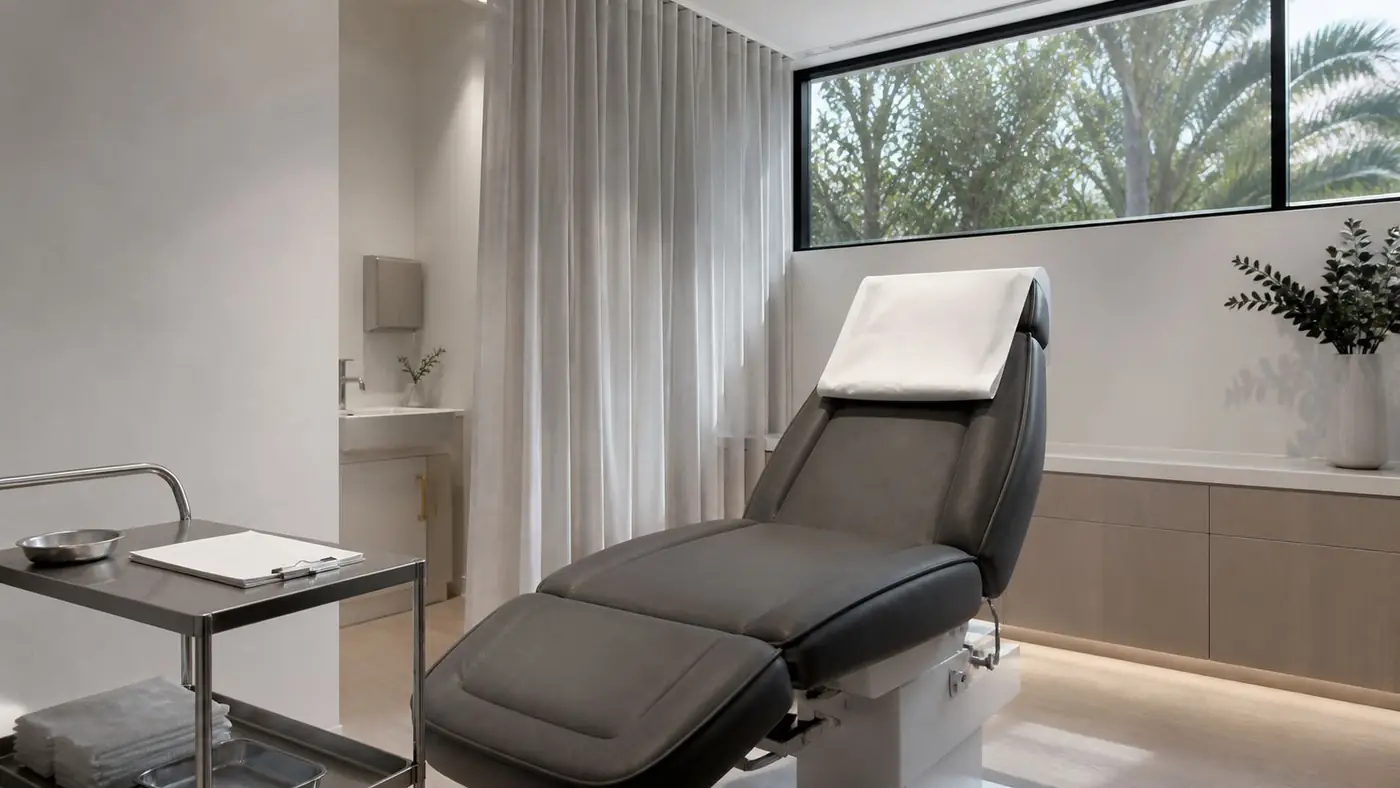
Alt text should describe what the image conveys in context. A photograph of a treatment room being used to reassure a patient needs different alt text from the same photograph used to illustrate equipment.
Decorative images should carry empty alt text so screen readers skip them. A page that announces twelve filenames is worse than one that announces nothing.
Respect motion preferences
Vestibular disorders and migraine are common reasons people ask their operating system to reduce motion, and both are over-represented among the patients a clinic serves.
Honour that preference with a reduced-motion rule that disables scroll animation, entrance transitions and hover transforms. It costs a few lines and removes a genuine barrier.
Build the check into release rather than the end
Accessibility problems are cheap to fix during design and expensive to retrofit. Check contrast when the palette is set, check keyboard operation when components are built, and check the whole page before it ships.
Automated tools catch perhaps a third of issues. The rest need someone to tab through the page and read it aloud.
An accessible clinic website is easier for everyone to use, and the patients it helps most are the ones the clinic most wants to serve well.